
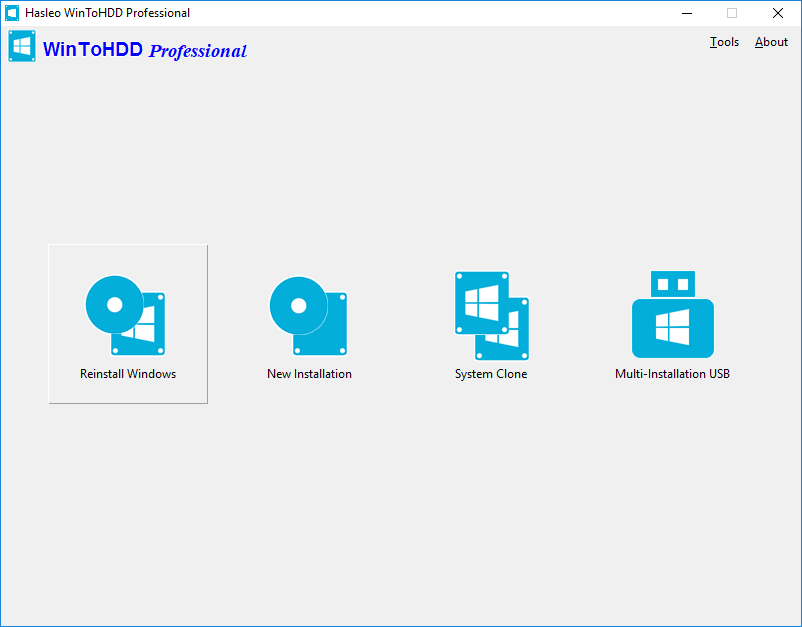
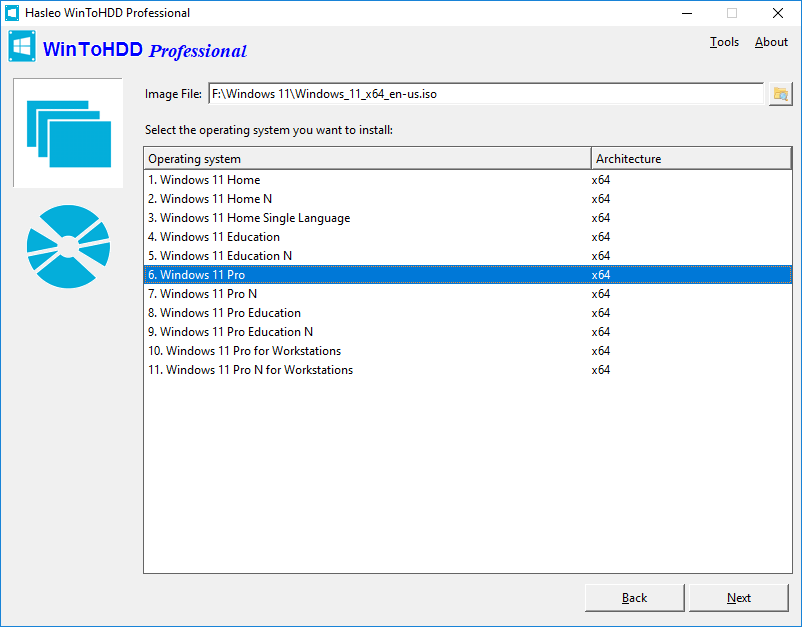
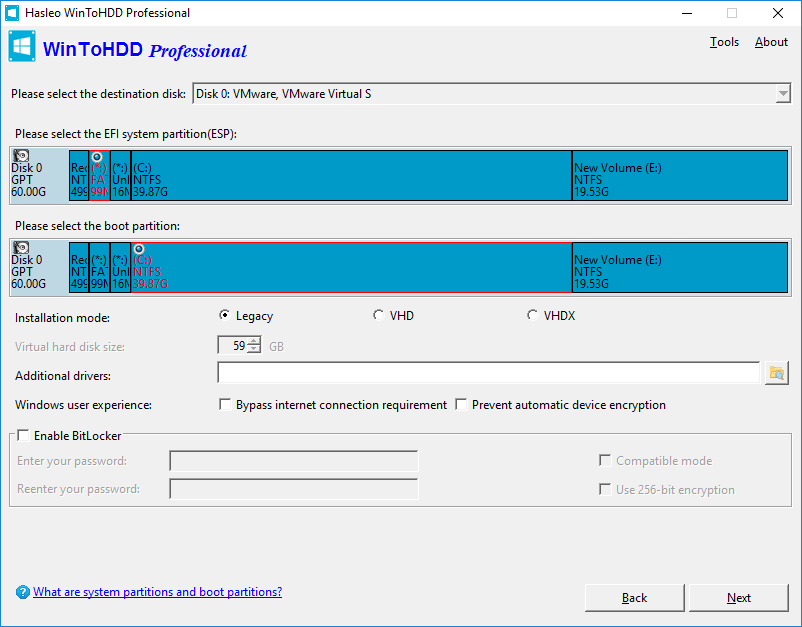
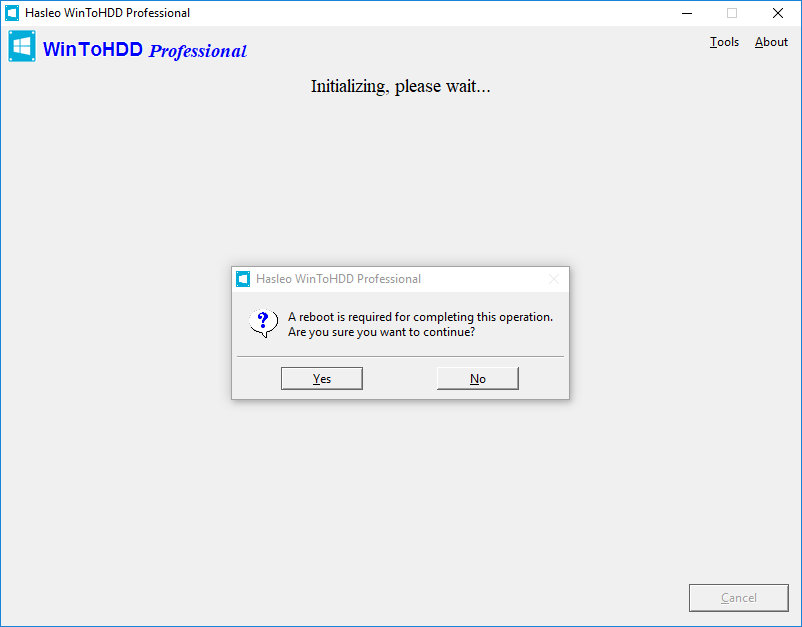
WinToHDD is a handy and useful software which allows you to install or reinstall Windows (Vista/2008 or later) without using a CD/DVD/USB drive. With this All-in-One Microsoft Windows deployment tool, you can easily reinstall Windows, install Windows onto disks other than the one where your Windows is installed, or clone existing Windows installation to other disk. Furthermore, you can use it to create a Windows installation USB containing all your Windows installation ISO files, then you can install Windows (Vista/2008 or later) from the same USB drive on both BIOS and UEFI computers.
Microsoft has officially ended support for Windows 10, learn how to create a portable Windows 11 USB drive?Hot
Learn how to create a Windows 11 installation USB drive that can bypass the Windows 11 system requirements?Hot
| Features | Free For Home Users |
MOST POPULAR
Professional
For Home User and Business
|
Enterprise For Business |
|---|---|---|---|
| Install and Reinstall Windows Without Using a CD/DVD/USB Drive | ✓ | ✓ | ✓ |
| System Clone | ✓ | ✓ | ✓ |
| Create Multi-Installation USB Drive | ✓ | ✓ | ✓ |
| Support Windows Home Operating Systems | ✓ | ✓ | ✓ |
| Support Windows Professional & Enterprise Operating Systems | ✕ | ✓ | ✓ |
| Support Windows Server Operating Systems | ✕ | ✕ | ✓ |
| Encrypt Windows partition with BitLocker | ✕ | ✓ | ✓ |
| Support for 4K Sector Size Disks | ✕ | ✓ | ✓ |
| Clone Speed | Normal | Faster | Faster |
| No Upgrade Prompts | ✕ | ✓ | ✓ |
| Business Usage | ✕ | ✓ | ✓ |
| Free Lifetime Upgrades | ✕ | ✓ | ✓ |
| Free Technical Support | ✕ | ✓ | ✓ |
| License Term | - |
Single user license

This clause applies to both WinToHDD and the Multi-Installation USB drives created by WinToHDD.
|
Site License
You may use the software on any computers within the same organization at the same site without limitation.
|
| Number of Computers Allowed to Install | - |
1 User / 2 PCs
This clause applies to both WinToHDD and the Multi-Installation USB drives created by WinToHDD.
|
Unlimited PCs
You may use the software on any computers within the same organization at the same site without limitation.
|
| Price |
Free
|
$29.95
Excluding VAT
The price does not include value added tax (VAT).
|
$199.95
Excluding VAT
The price does not include value added tax (VAT).
|
| Download | Buy Now | Buy Now |
|
|
|
|

software.informer.com
WinToHDD allows more installation types than most other programs of the same type. When tried, it worked exactly as described by its developer... I am glad that this product can be used for free if you have non-commercial purposes.
Read more>>

softpedia.com
WinToHDD offers a method to conveniently install or clone Windows without a disc or a bootable drive. This alternative will surely have its public, especially since it is easy to use and should pose no problems to the average user.
Read more>>

