

After you purchase the software, you will receive an email containing your license code. The next step of the registration process is to authorize the software, please refer to the steps below:
1. Download and install the free/trial version of Hasleo Disk Clone.

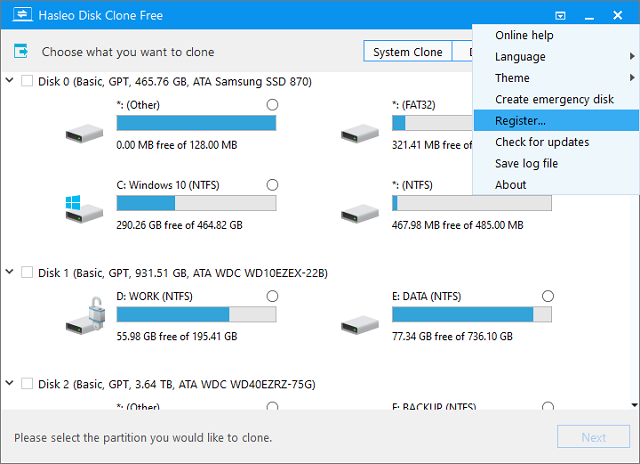
 > "Register...".
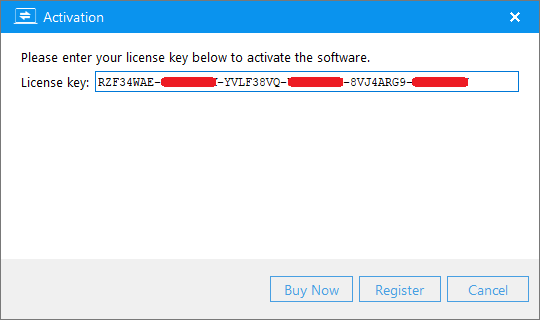
3. Enter your license code in the activation window, then click "Register" button.
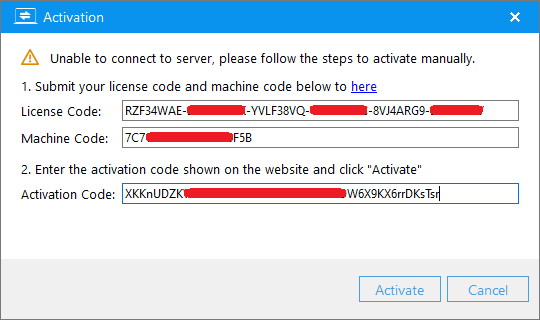
4. If the Internet connection is unavailable on the computer, another offline activation window will appear and require you to enter the offline activation code. Please save the License code and Machine code listed in the window and find another Internet connected computer to access Hasleo Offline Activation Page to generate a required Activation Code, then enter the Activation Code in the window and click "Activate" button to activate the software.
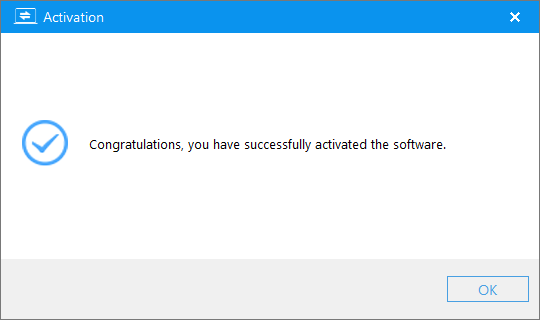
5. Click "OK" button to close the activation window when the activation is complete.
If you have problems with the registration, contact our support at: [email protected]. Please include your email address, license code or Order ID in the email message.


