

Written by James
If a boot option is disabled, the EFI/UEFI firmware will not automatically load the option. This guide mainly talks about how to disable/enable an EFI/UEFI boot option with EasyUEFI.
Tutorial to disable/enable an EFI/UEFI Boot option with EasyUEFI.
Step 1. Run EasyUEFI as administrator, then click the 'Manage EFI Boot Option' button.
Step 2. Select the boot entry you want to disable/enable in the boot order list.
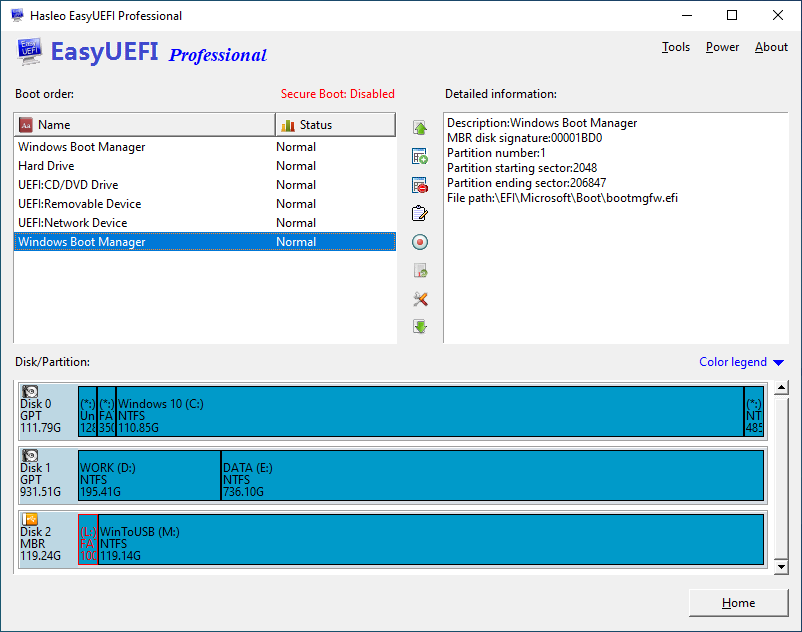
Step 3. Click the 