

Written by James
After you purchase the software, you will receive an email containing your license code. The next step of the registration process is to authorize the software.
1
Download and install the free/trial version of Windows To Go Upgrader.
2
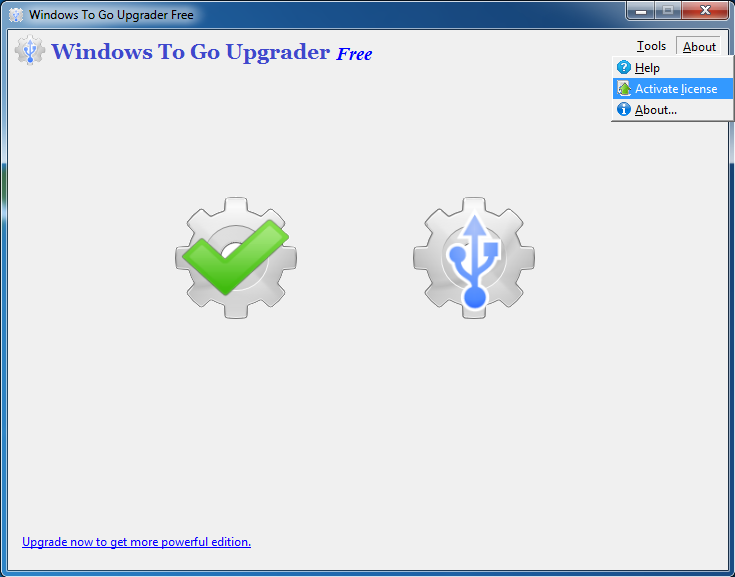
Click "About" > "Activate license".
3
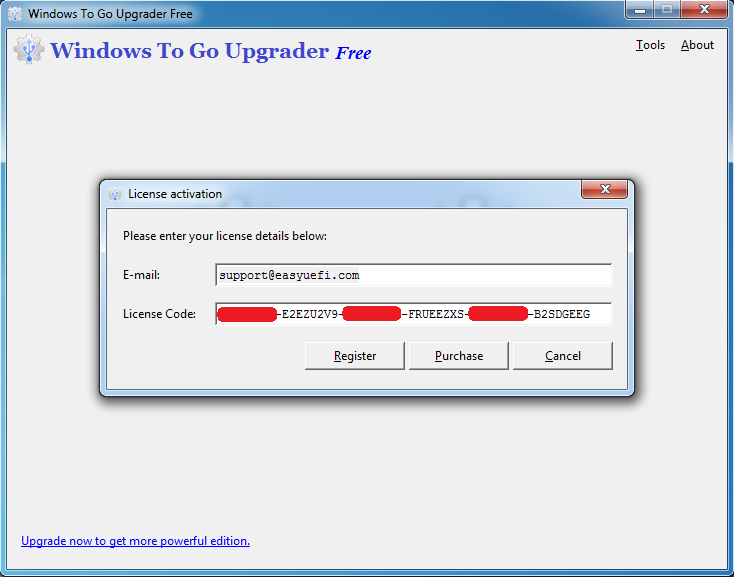
Enter your email address (some earlier versions might need it) and license code, then click "Register". You can find the license code in the order confirmation email.
4
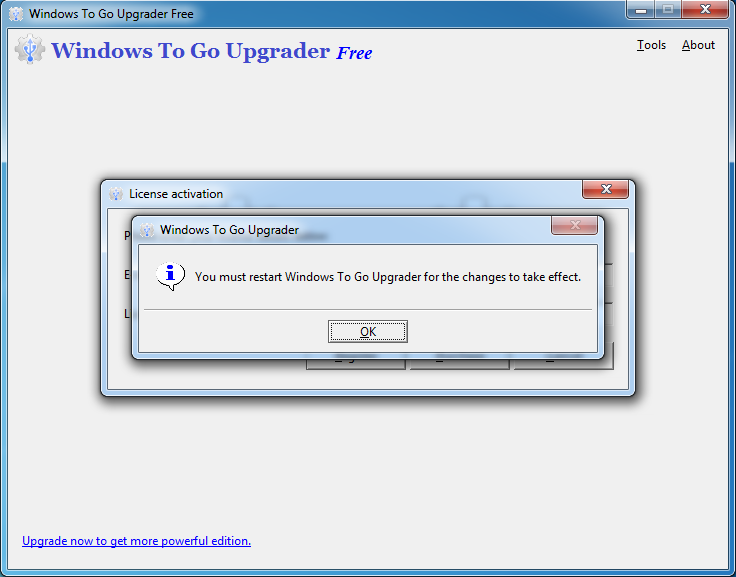
A pop-up will appear asking you to restart Windows To Go Upgrader. Click "OK".
5
Restart Windows To Go Upgrader.
If you have problems with the registration, contact our support at: [email protected]. Please include your email address, license code and Order ID in the email message.