

Written by James
After you purchase the software, you will receive an email containing your license code. The next step of the registration process is to authorize the software.
User Guide: How to register WinToHDD?
1. Download and install the free/trial version of WinToHDD.
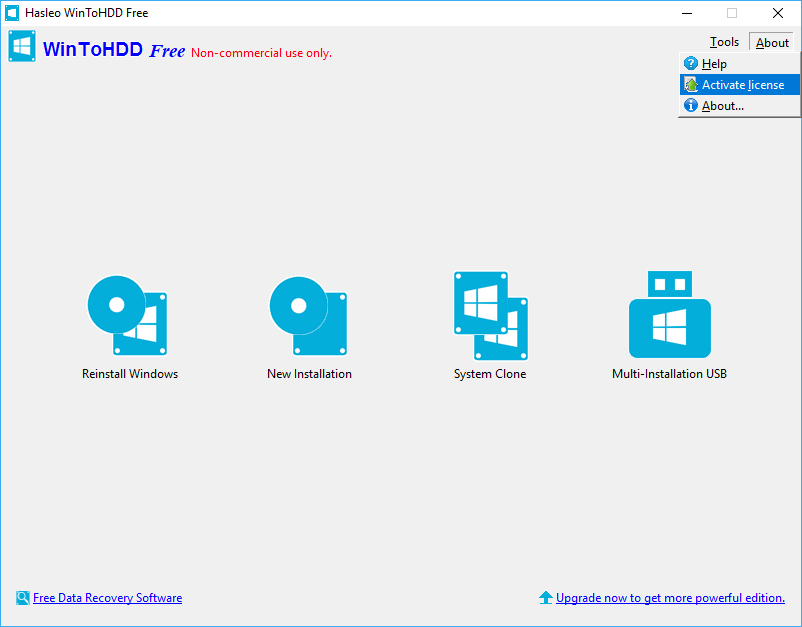
2. Click "About" > "Activate license".
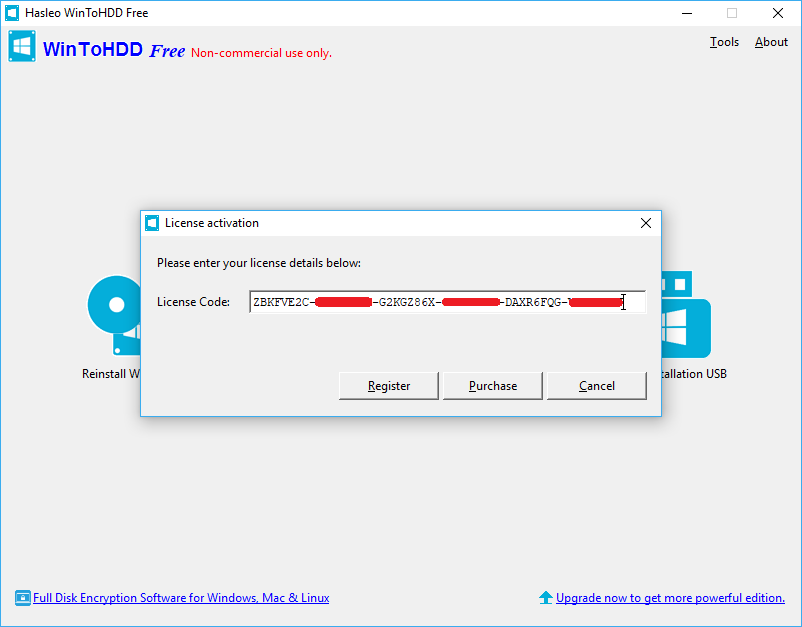
3. Enter your email address (some earlier versions might need it) and license code, then click "Register". You can find the license code in the order confirmation email.
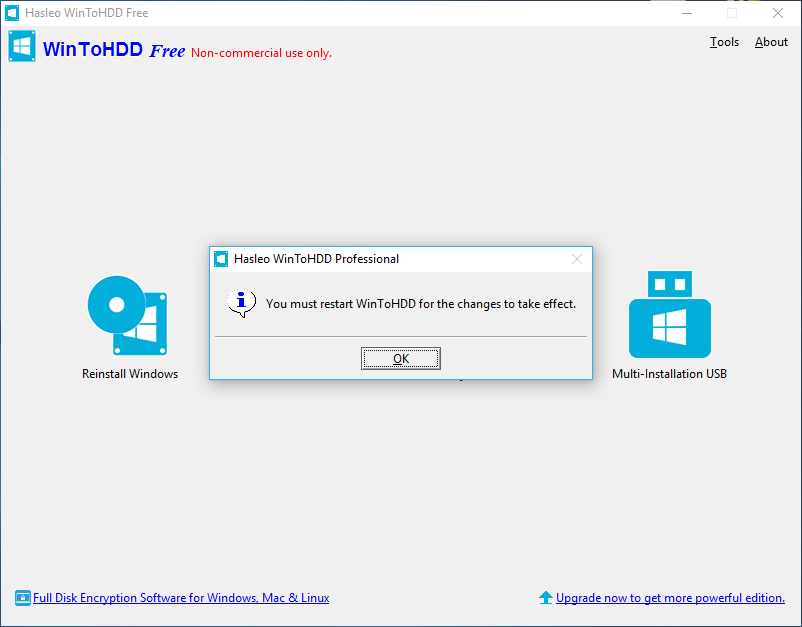
4. A pop-up will appear asking you to restart WinToHDD. Click "OK".
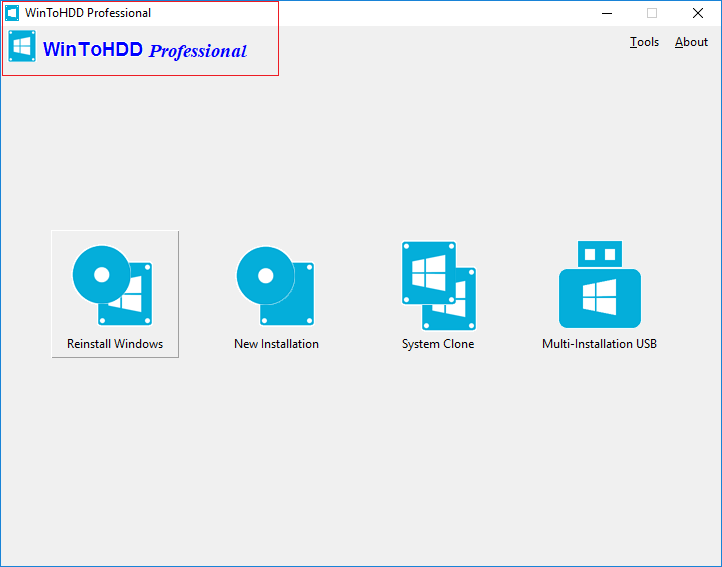
5. Restart WinToHDD, the software has been successfully activated.
If you have problems with the registration, contact our support at: [email protected]. Please include your email address, license code and Order ID in the email message.