Written by James
User Guide: How to remove multiple "Windows Boot Manager" entries with EasyUEFI?
- Download, install and run EasyUEFI.
- Click the
 button.
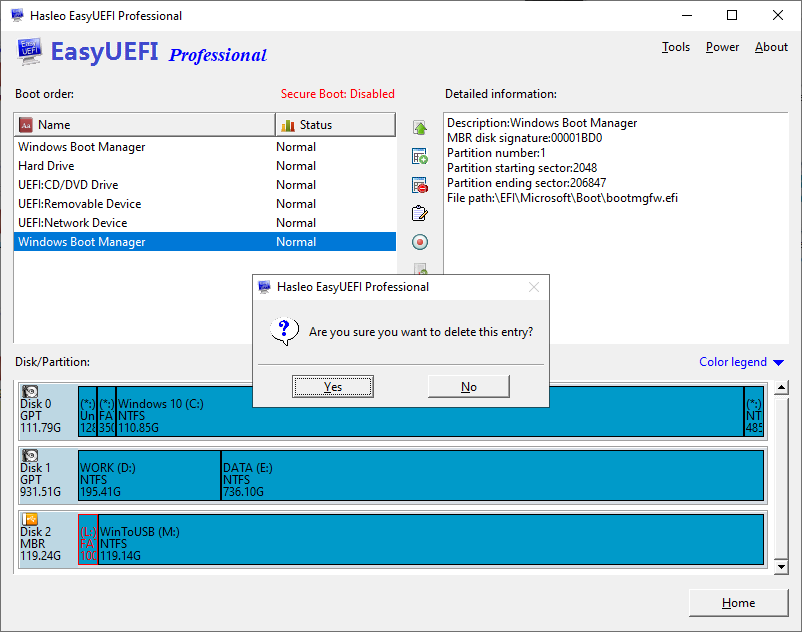
- Select the boot entry you want to remove from the boot order list.
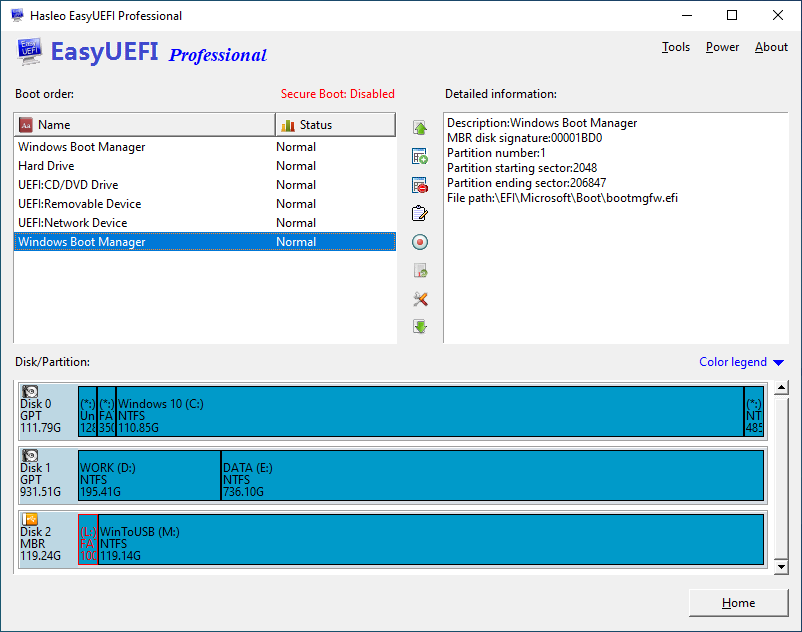
- Click the
 button to remove this entry.
- A pop-up will appear asking you if you want to remove this entry. Click "Yes".