

What the built-in BitLocker manager can do
BitLocker Drive Encryption is a useful Windows feature that encrypts entire partitions with AES-CBC 128/256 or AES-XTS 128/256, so every sector is protected and your data stays secure. The built-in BitLocker manager lets you encrypt and decrypt partitions, export the BitLocker recovery key and startup key (.BEK file), lock and unlock volumes, and change the password of BitLocker-encrypted drives.
Unfortunately, the BitLocker manager is missing from Windows 11/10/8/7 Home editions, and BitLocker itself cannot be used there, because Microsoft ships it as an enterprise feature. That is the gap Hasleo BitLocker Anywhere fills: a BitLocker manager for Windows Home editions that contains almost every feature of the Microsoft tool.
BitLocker manager features in Windows Home
After installing Hasleo BitLocker Anywhere, the following BitLocker manager features are available on Windows 11/10/8/7 Home:
1. Encrypt drives with BitLocker Drive Encryption
Create a BitLocker-encrypted volume with AES-CBC or XTS-AES at 128 or 256 bits, with or without a TPM.
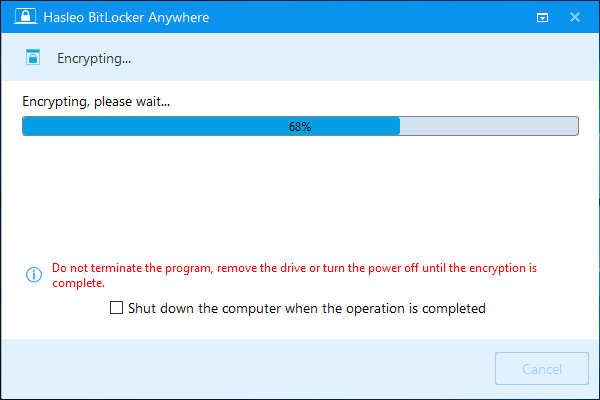
How to encrypt a drive with BitLocker?
2. Decrypt BitLocker-encrypted drives
Remove BitLocker encryption from a volume and return it to a normal, unencrypted drive.
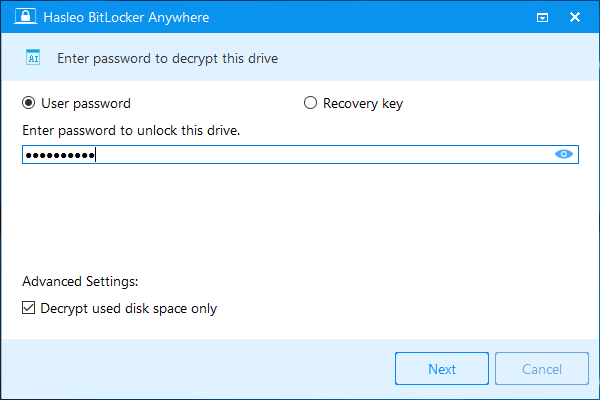
How to decrypt a BitLocker-encrypted drive?
3. Change the password for encrypted drives
Change the password of a BitLocker-encrypted drive after verifying with the old password or the recovery key.
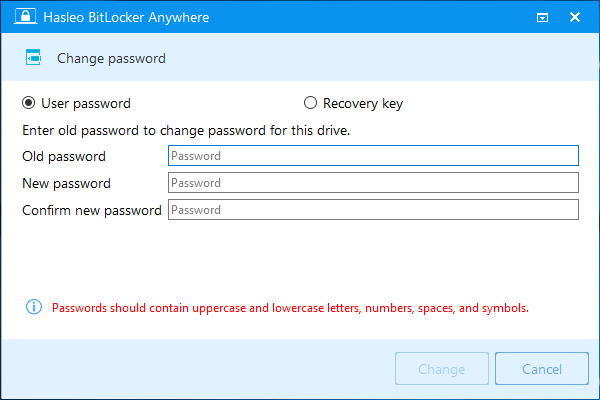
How to change the password for a BitLocker-encrypted drive?
4. Export the recovery key and startup key
Export the BitLocker recovery key and the startup key (.BEK) so you can regain access if the password is lost.
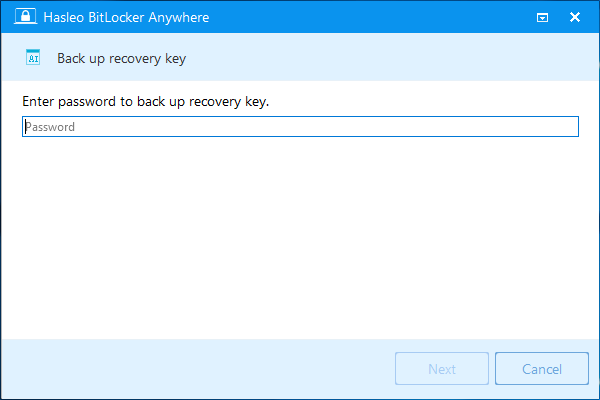
How to export the BitLocker recovery key? · How to export the BitLocker startup key?
5. Lock and unlock encrypted drives
Lock a BitLocker-encrypted drive when you leave, and unlock it again with the password or recovery key.
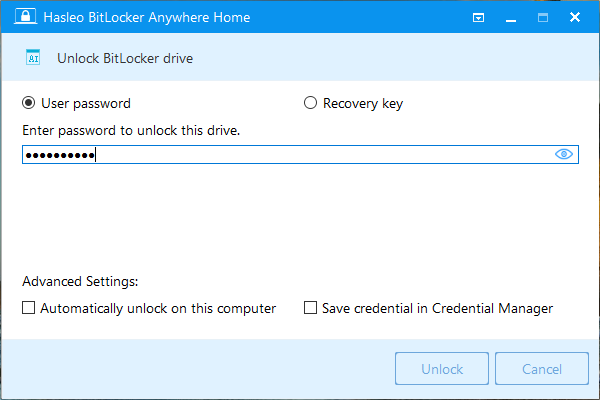
How to lock a BitLocker-encrypted drive? · How to unlock a BitLocker-encrypted drive?
Hasleo BitLocker Anywhere is the first third-party BitLocker manager for Windows Home 11/10/8/7. It covers the features most people need from Microsoft's BitLocker manager, which makes it the practical choice when the built-in tool is not available.
Frequently Asked Questions
A: Microsoft made BitLocker an enterprise-only feature and did not include it in Windows Home editions (Windows 11/10/8/7 Home). Only Windows Professional and Enterprise editions include built-in BitLocker support.
A: Use a third-party BitLocker manager such as Hasleo BitLocker Anywhere, which provides encryption, decryption, password changes and key export on Windows Home editions.
A: Yes. It supports Windows 11 Home, Windows 10 Home, Windows 8/8.1 Home and Windows 7 Home, and provides the features available in Microsoft's BitLocker manager.
A: It can encrypt drives with BitLocker, decrypt BitLocker-encrypted drives, export recovery and startup keys, lock and unlock encrypted drives, and change passwords.
A: A fully functional trial is available so you can test every feature before buying. Commercial or continued use requires a license.
A: Yes. You can export the recovery key and the startup key (.BEK) from any BitLocker-encrypted drive, which is essential if the password is lost.
A: Yes. It can encrypt internal and external drives, including USB flash drives and external hard disks, with AES-128 or AES-256 encryption.
A: Yes. Hasleo BitLocker Anywhere for Mac and for Linux can read, write and unlock drives encrypted with Hasleo BitLocker Anywhere on Windows Home.