
BitLocker Drive Encryption is a full disk encryption feature released by Microsoft as a native application in some versions of Windows. Unfortunately, this feature is not available in Windows 11/10/8.1/8/7 Home, Windows 8.1/8 Core and Windows 7 Professional. Hasleo BitLocker Anywhere For Windows is the world's first BitLocker solution for Windows Home and Windows 7 Professional, with it you can enjoy almost all the features of BitLocker in these editions of Windows. Thanks to the security of industrial-grade encryption algorithms, Hasleo BitLocker Anywhere can effectively help you prevent the risk of data leakage.
Backing up your data is just as important as encrypting it, so we recommend that you use our free Windows backup software Hasleo Backup Suite to back up your data to prevent data loss.
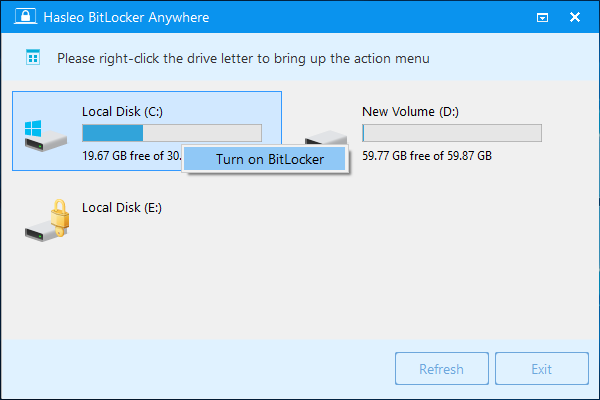
- Encrypt Windows C: Drive or Data Partitions with BitLocker
- The encryption algorithms implemented by Hasleo BitLocker Anywhere are fully compatible with Microsoft's BitLocker. The program also offers the following advanced features:
- Allow users to choose used space only encryption or full drive encryption.
- Allow users to select the encryption strength (128-bit or 256-bit).
- Allow users to choose compatible encryption mode (AES-CBC) or new encryption mode (XTS-AES).
- Allow users to encrypt and start Windows with password or USB drive.
- Learn how to encrypt Windows C: drive Learn how to encrypt data partitions
- Learn how to encrypt and start Windows 7 with password or USB drive
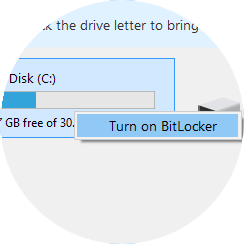
- Decrypt BitLocker Encrypted Drives
- By default, Windows 11/10/8.1/8/7 Home and Windows 7 Pro editions can read and write BitLocker-encrypted drives but cannot decrypt them. Hasleo BitLocker Anywhere has implemented the BitLocker decryption feature which can help decrypt BitLocker encrypted drives (FAT 12/16/32, exFAT and NTFS) in Windows 11/10/8.1/8/7 Home and Windows 7 Pro Editions.
- Learn how to decrypt BitLocker encrypted drives
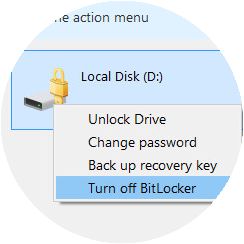
- Change Password for BitLocker Encrypted Drives
- For BitLocker users, it is necessary to periodically change the password, as this can effectively prevent the risk of data leakage. With the help of Hasleo BitLocker Anywhere, it becomes possible to change the password for BitLocker encrypted drives (FAT 12/16/32, exFAT and NTFS) in Windows 11/10/8.1/8/7 Home & Windows 7 Pro Editions.
- Learn how to change password for BitLocker encrypted drives
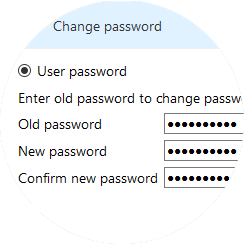
- Export BitLocker Recovery Key & Startup Key
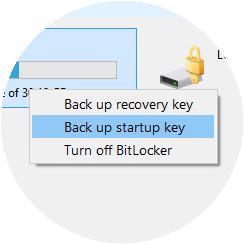
- If you accidentally lose the BitLocker Recovery Key or Startup Key for a BitLocker encrypted drive, you can easily export BitLocker Recovery Key or Startup Key (.BEK file) from the BitLocker encrypted drive using Hasleo BitLocker Anywhere.
- Learn how to export BitLocker recovery key
- Easily Lock & Unlock BitLocker Encrypted Drives
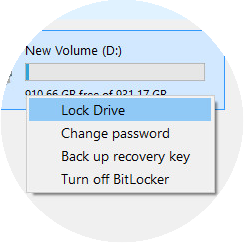
- In Windows, you can unlock a BitLocker drive by double-clicking it in File Explorer and entering your password. However, locking the same drive requires using the command-line tool manage-bde.exe—which is inconvenient for most users. Hasleo BitLocker Anywhere solves this by allowing you to easily lock and unlock BitLocker-encrypted drives through a simple graphical user interface (GUI).
- Learn how to lock BitLocker encrypted drives
- Learn how to turn on auto-unlock for BitLocker drive in Windows Home
- Command Line Interface (CLI) Support for Use in Batch Scripts or cmd.exe
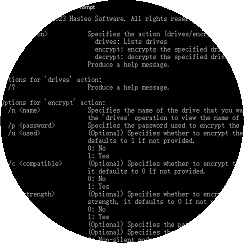
- As a complement to the graphical user interface (GUI), the implementation of the command line interface (CLI) makes it possible to use scripts (such as batch file, PowerShell, etc.) or cmd.exe to encrypt and decrypt drives.
Notes: Please keep your BitLocker password in mind and back up the recovery key in a safe place. Losing both will render your data permanently inaccessible.
Editions Comparison
| Features | Home For home users |
MOST POPULAR
Professional
For home office and business
|
|---|---|---|
| Encrypt Drives (Windows C: drive or Data Partitions) with BitLocker Drive Encryption | ✓ | ✓ |
| Decrypt BitLocker Encrypted Drives | ✓ | ✓ |
| Change Password for BitLocker Encrypted Drives | ✓ | ✓ |
| Export BitLocker Recovery Key & Startup Key | ✓ | ✓ |
| Lock & Unlock BitLocker Encrypted Drives | ✓ | ✓ |
| Turn on Auto-unlock for BitLocker Drives in Windows 11/10/8 | ✓ | ✓ |
| Encrypt and Start Windows 7 with Password | ✓ | ✓ |
| Support Windows 11/10/8.1/8/7 Home & Windows 7 Professional | ✓ | ✓ |
| Encrypt & Decrypt Volumes Larger than 2TB | ✕ | ✓ |
| Command Line Interface (Please contact us to purchase) | ✕ | ✕ |
| Business Usage | ✕ | ✓ |
| Free Lifetime Upgrades | ✓ | ✓ |
| Free Lifetime Technical Support | ✓ | ✓ |
| License Term | Single user license | Single user license |
| Number of Computers Allowed to Install |
1 PC

The Home license only allows you to activate the software on one computer and you may not transfer the license from this computer to another.
|
1 PC
The Professional license only allows you to activate the software on one computer and you may not transfer the license from this computer to another.
|
| Price |
$14.98
Excluding VAT
The price does not include value added tax (VAT).
|
$19.98
Excluding VAT
The price does not include value added tax (VAT).
|
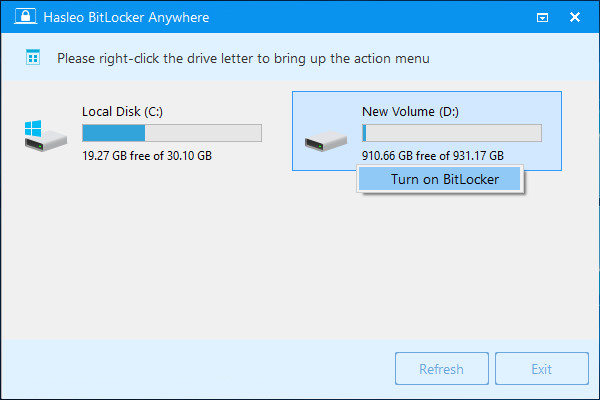
User Guide - How to Encrypt Drives with BitLocker Anywhere For Windows?
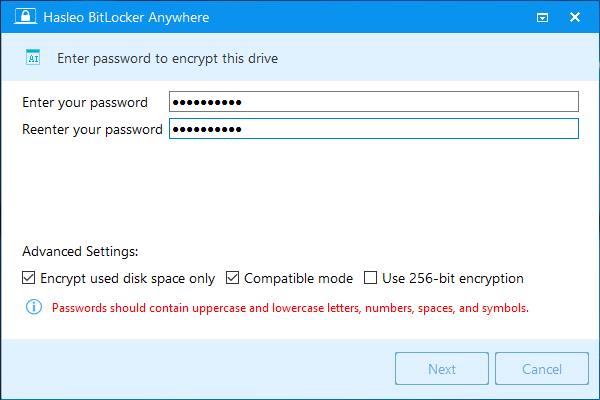
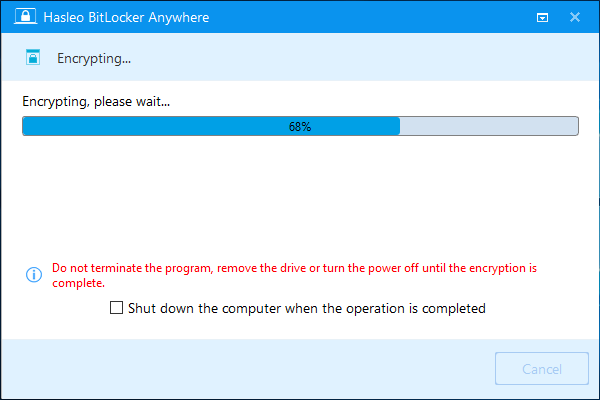
Get More Complete Guide Here>>
Guides & Tips
Tech Specification
|
|
|
|
Get More References Here >>
- Important notes:
- Hasleo BitLocker Anywhere For Windows can be run not only on Windows Home editions, but also on the Windows Professional, Enterprise, Server editions.
- If you want to recovery deleted/lost files from a BitLocker-encrypted drive, please try Hasleo BitLocker Data Recovery.
- 30-Day Money-Back Guarantee
- Transactions Protected
- Trusted by Millions
- Free Technical Support