BitLocker Drive Encryption is a very useful feature of Windows that can help you encrypt partitions to keep your data secure, it uses the AES-CBB 128/256, AES-XTS 128/256 encryption algorithm to encrypt all sectors of the partition, so it can absolutely guarantee the security of your data. In Windows we typically use the BitLocker manager, where we can encrypt partitions, decrypt partitions, export BitLocker recovery key and startup key (.BEK file), lock and unlock partitions, and change password for BitLocker-encrypted partitions. Unfortunately, we cannot find the Bitlokcer manager in the Windows 11/10/8/7 Home editions, nor can we use BitLocker to encrypt the partition, because Microsoft has made BitLocker as an enterprise feature and thus did not provide it in these editions of Windows. Here we will describe all of its features.
Hasleo software has developed a BitLocker manager software for the Windows Home 11/10/8/7 which called Hasleo BitLocker Anywhere, it contains almost every feature of the Microsoft's BitLocker manager, so you can enjoy the benefits of Bitlockr in Windows Home 11/10/8/7.



1. Encrypt Drive with BitLocker Drive Encryption.
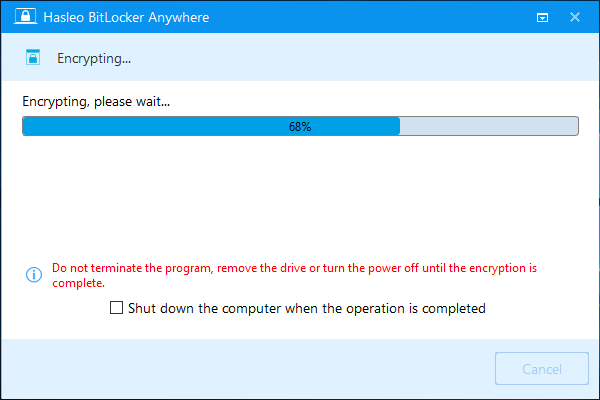
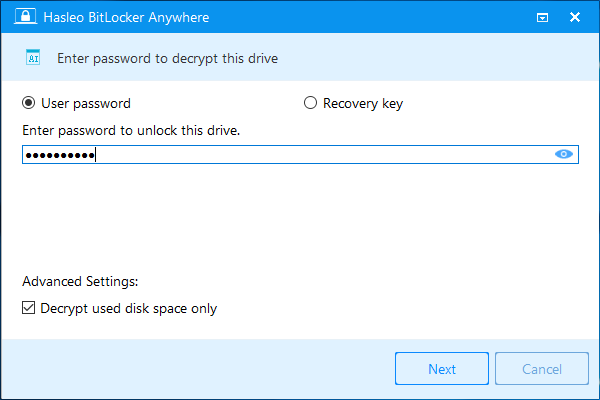
2. Decrypt BitLocker-Encrypted Drives.
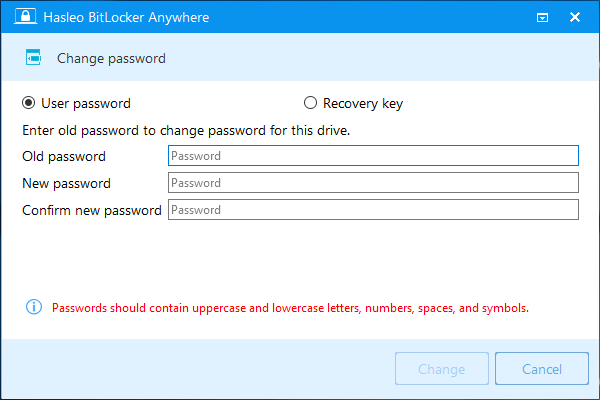
3. Change Password for BitLocker-Encrypted Drives.
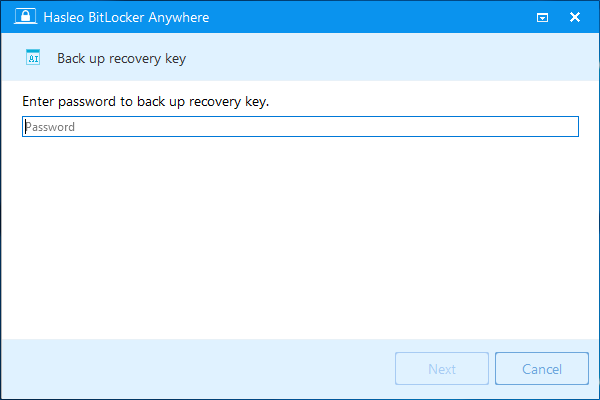
4. Export BitLocker Recovery Key & Startup Key.
5. Easily Lock & Unlock BitLocker-Encrypted Drives.
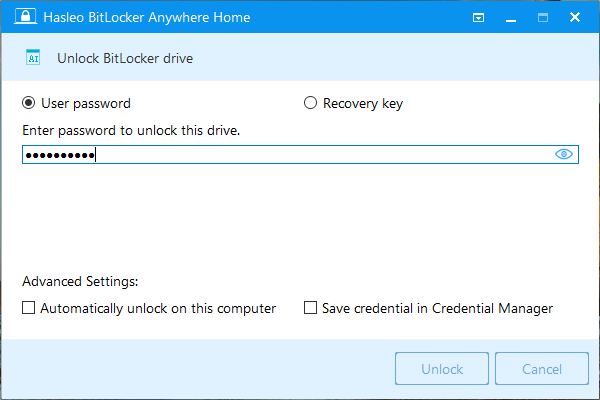
Hasleo BitLocker Anywhere is the world's first BitLocker manager for Windows Home 11/10/8/7. As you can see from the above description, it contains almost all the features of the Microsoft's BitLocker manager, I had to say it is the best BitLocker manager for Windows Home 11/10/8/7.
Frequently Asked Questions (FAQ) for BitLocker on Windows Home
A: Microsoft has made BitLocker an enterprise-only feature and did not include it in Windows Home editions (Windows 11/10/8/7 Home). Only Windows Professional and Enterprise editions include built-in BitLocker support.
A: You can use Hasleo BitLocker Anywhere, a third-party BitLocker manager that provides full BitLocker functionality for Windows Home editions, including encryption, decryption, password changes, and key export.
A: Yes, Hasleo BitLocker Anywhere supports Windows 11 Home, Windows 10 Home, Windows 8/8.1 Home, and Windows 7 Home editions. It provides all the features available in Microsoft's BitLocker manager.
A: Hasleo BitLocker Anywhere offers encrypt drive with BitLocker, decrypt BitLocker encrypted drive, export BitLocker recovery key and startup key, lock and unlock BitLocker encrypted drive, and change password for BitLocker encrypted drive.
A: Hasleo BitLocker Anywhere offers a trial version with full functionality. For commercial or continuous use, you need to purchase a license. The trial allows you to test all features before buying.
A: Yes, you can export BitLocker recovery key and startup key (.BEK file) from any BitLocker encrypted drive using Hasleo BitLocker Anywhere. This is essential for recovering access to encrypted drives if the password is lost.
A: Yes, Hasleo BitLocker Anywhere can encrypt both internal and external drives including USB flash drives and external hard drives. It uses AES-128 or AES-256 encryption for maximum security.
A: After encrypting drives with Hasleo BitLocker Anywhere on Windows Home, you can use Hasleo BitLocker Anywhere for Mac or Linux to read, write, and unlock those encrypted drives on macOS or Linux systems.
Related Articles
- How to Turn On BitLocker in Windows 10/11 Home?
- How to Enable BitLocker in Windows 10 Home Edition?
- How to Encrypt Drive in Windows 11/10/8/7 Home & Windows 7 Pro?
- How to Protect Data with Best TrueCrypt Alternative in Windows 11/10/8.1/8/7 Home?
- How to Decrypt BitLocker Encrypted Drive in Windows 11/10/8/7 Home & Windows 7 Pro?