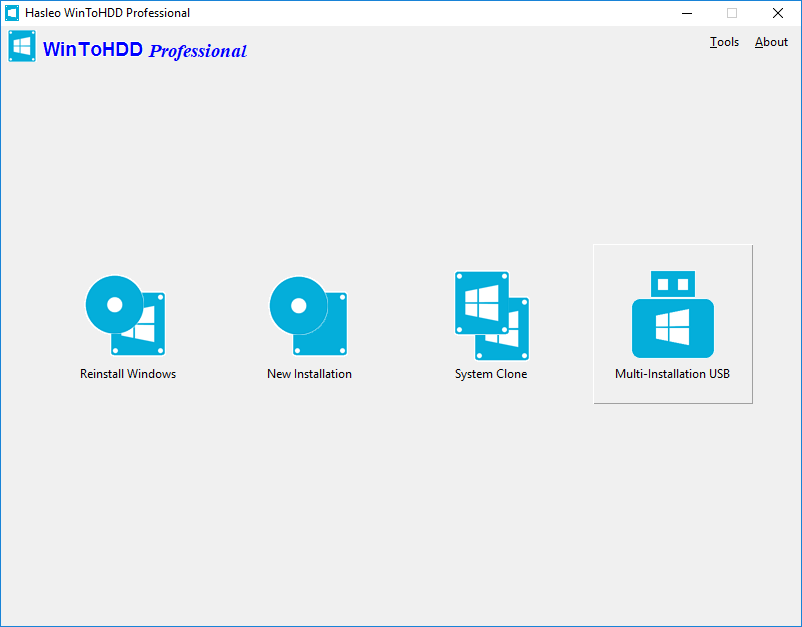
WinToHDD is an all-in-One Windows deployment tool developed by Hasleo Software. It allows you to install Windows, reinstall Windows, or clone Windows to another disk. This user guide covers all the basic features of WinToHDD, including Reinstall Windows, New Installation, System Clone, and Multi-installation USB. With WinToHDD, you can deploy Windows operating systems quickly and easily on any compatible PC. The tool supports ISO, WIM, ESD, VHD, and other image file formats, making it a versatile solution for Windows deployment. Whether you are upgrading your hard drive, reinstalling your operating system, or setting up multiple computers, WinToHDD provides a streamlined and efficient workflow.
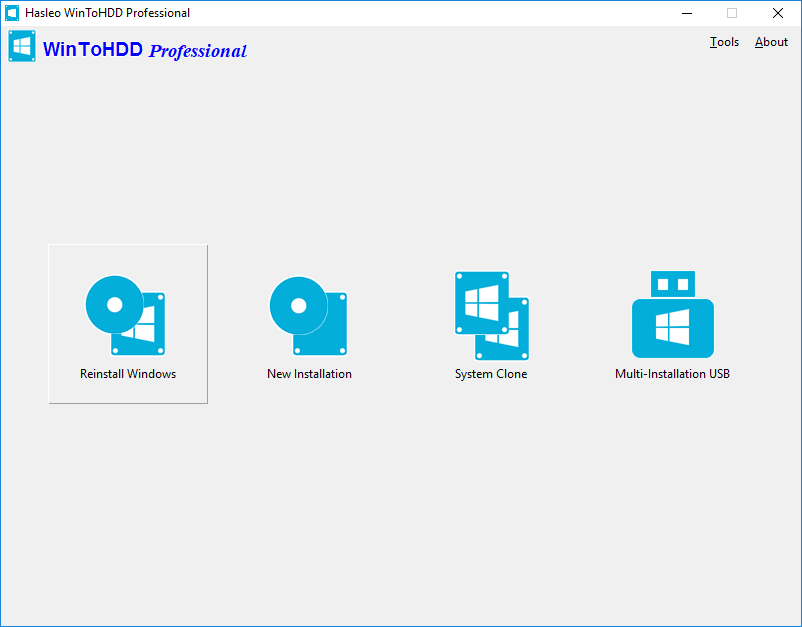
Run Hasleo WinToHDD, click the "Reinstall Windows" button, select the image file (ISO, WIM, ESD, VHD, etc) and the edition of Windows you want to install, then click "Next" and follow the prompts to reinstall Windows.
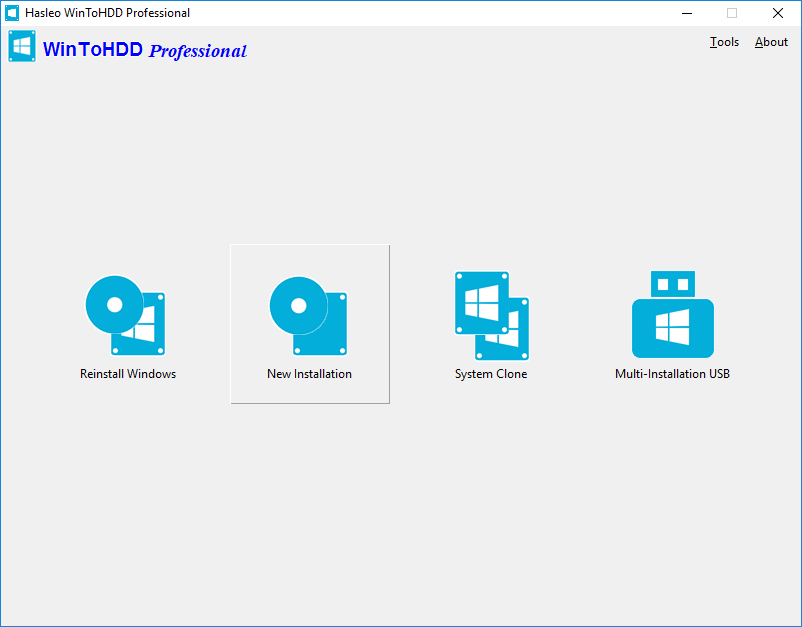
Run Hasleo WinToHDD, click the "New Installation" button, select the image file (ISO, WIM, ESD, VHD, etc) and the edition of Windows you want to install, then click "Next", now select the destination hard drive and follow the prompts to install Windows to the hard drive.
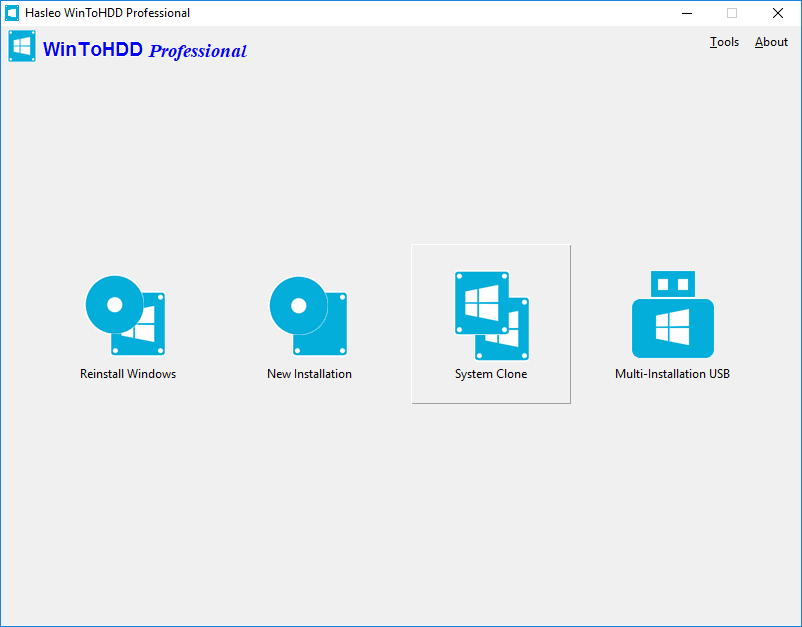
Run Hasleo WinToHDD, click the "System Clone" button, select the Windows OS which you want to clone and select the destination hard drive, then follow the prompts to clone Windows to the hard drive.
Run Hasleo WinToHDD, click "Multi-installation USB" button and select the destination USB drive, then follow the prompts to create multiple installation USB drive.
 Notes: WinToHDD Free Edition is for private, noncommercial, home computer use only and we do not provide Free Technical Support for free edition. Use of WinToHDD Free Edition within any organization or for commercial purpose is strictly prohibited.
 Tips:
Tips:
Related Guides
- How to install Windows 11 without TPM 2.0?
- How to transfer Windows 11 to new hard drive without reinstalling Windows?
- How to clone Windows from a USB drive to an internal hard disk?
- How to transfer Windows 10 to new hard drive without reinstalling?
- How to reinstall Windows 11/10 directly from an ISO file without using CD/DVD/USB?
- How to install Windows 11 without TPM 2.0?
- How to transfer Windows 11 to new hard drive without reinstalling Windows?
- How to clone Windows with free Windows system clone software?
- How to reinstall Windows 11/10 directly from an ISO file without using CD/DVD/USB?
- How to transfer Windows 10 to new hard drive without reinstalling Windows?
- How to do system clone in Windows 10 without reinstalling Windows?
- How to clone Windows from a USB drive to an internal hard disk?
- How to move/transfer Windows 7 to new hard drive without reinstalling Windows?
- How to install Windows with same USB drive on both BIOS and UEFI computers?
- How to do System Clone or System Migration?